
TC Games explained · 2026
TC Lottery Result History: How to Check Win Go, K3 and 5D Records
To check a TC Lottery result, match the period ID on your accepted entry to the completed record for the same game. Win Go, K3 and 5D use different result formats, so do not compare one format with another. This page explains record checks, not live winning numbers.
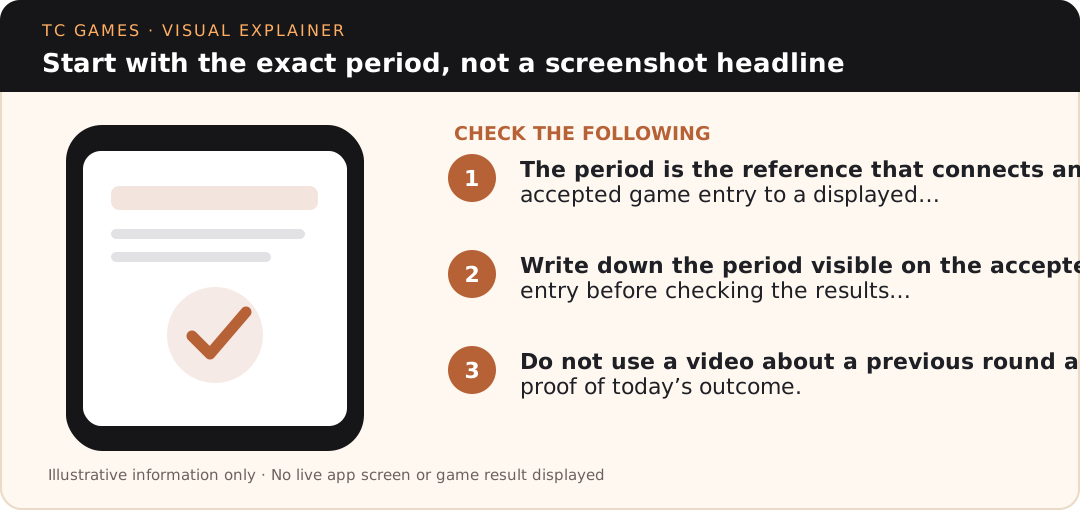
Start with the exact period, not a screenshot headline
The period is the reference that connects an accepted game entry to a displayed result. A date, phone-clock time or social media caption may help narrow your search, but cannot replace the full period identifier. If the screen shows a countdown, it may still be describing a round that has not closed.
Write down the period visible on the accepted entry before checking the results panel. After the round closes, compare the complete identifier on the result row. If the platform uses a shortened view, expand the history or find the full entry in your account record. A number from a neighbouring period is irrelevant to the dispute.
Do not use a video about a previous round as proof of today’s outcome. Video upload time, screen capture time and game period are three different measurements. They may coincide, but only the exact game record can establish which round the video depicts.
What Win Go one-minute history can and cannot establish
A one-minute game has fast-changing screens. The displayed timer can move into another round while an older result remains on the screen. Wait until the target period is marked completed before treating its row as a final history record.
Compare your recorded selection only with that same period. If the accepted entry is absent from the account record, do not automatically assume the pending touch or button press was accepted. A phone can show an animation even when the connection is interrupted before server confirmation.
A series of red, green, small or big outcomes is descriptive history, not a predictive formula. The next one-minute result is not guaranteed by any sequence. The dedicated Win Go article explains the account-history distinction in more detail.
How K3 dice and totals are read
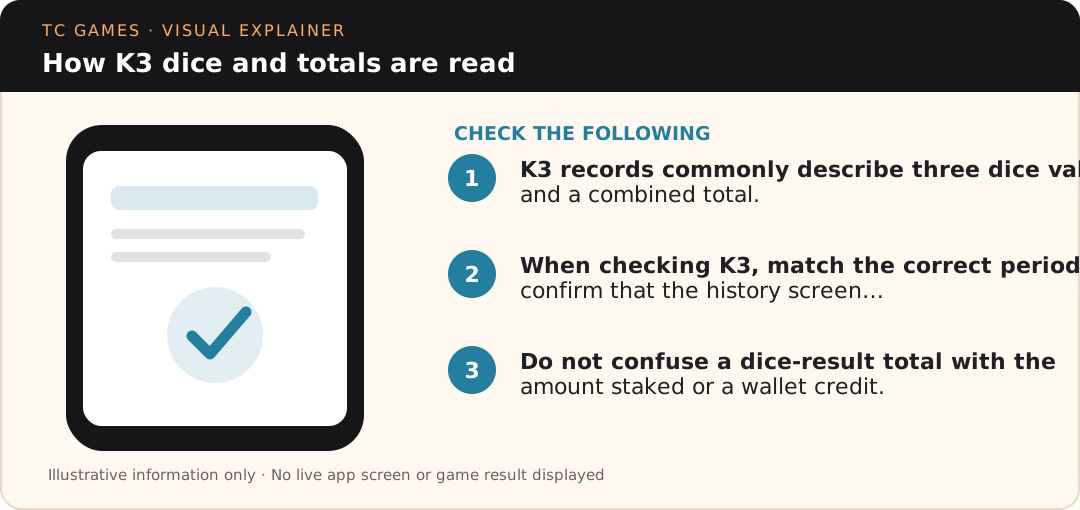
K3 records commonly describe three dice values and a combined total. For example, a hypothetical display of 2, 3 and 4 totals 9. This arithmetic is only an illustration of how to read the format; it is not a real TC Lottery result or a forecast.
When checking K3, match the correct period and confirm that the history screen shows completed rather than pending data. If a headline claims a different total from the values shown, calculate the sum independently and examine whether the screenshot may refer to another period.
Do not confuse a dice-result total with the amount staked or a wallet credit. Those are separate account records. The K3 explanation addresses those differences and what evidence to retain if the settlement looks wrong.
How to interpret a 5D record
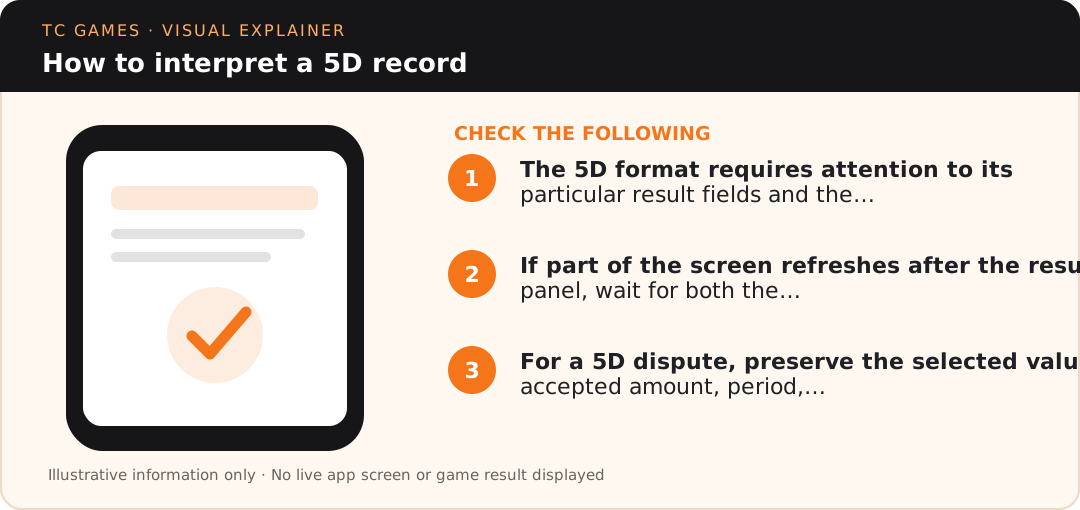
The 5D format requires attention to its particular result fields and the accepted selection on the account. The same general period-matching rule still applies: confirm the full period before comparing any visible values.
If part of the screen refreshes after the result panel, wait for both the completed history row and the wallet status. They may not update simultaneously. Avoid inferring an incorrect result simply because your bank or platform balance takes longer to refresh.
For a 5D dispute, preserve the selected values, accepted amount, period, completed result and the corresponding wallet entry. Read the 5D record article for the step-by-step distinction between those fields.
Keep one compact record for every question
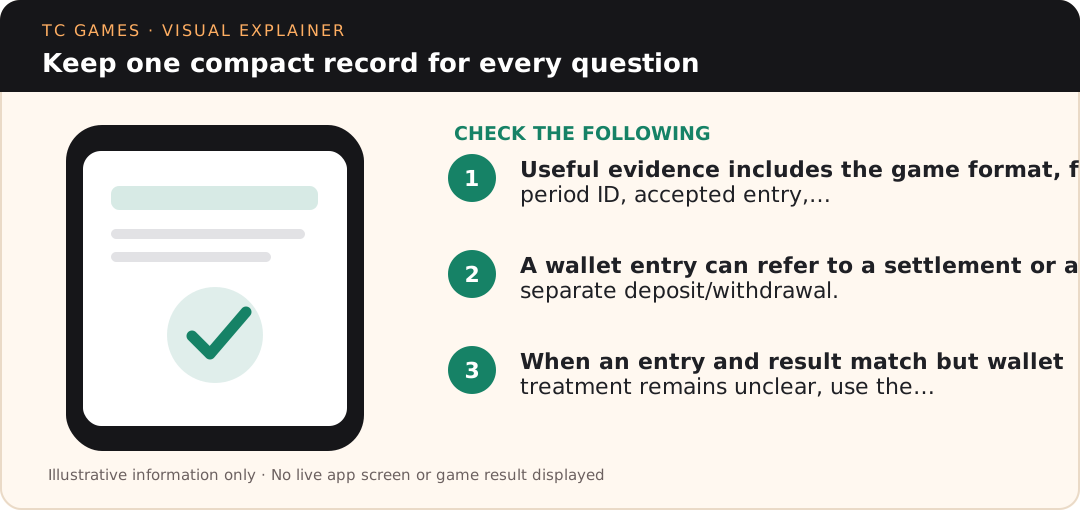
Useful evidence includes the game format, full period ID, accepted entry, amount, local timestamp, completion status and any platform transaction reference. Capture screenshots only where the information is relevant and mask phone numbers, bank details and identifiers before sharing them.
A wallet entry can refer to a settlement or a separate deposit/withdrawal. Do not mix them. If money moved through UPI, bank-reference numbers belong to payment records and are not substitutes for game period IDs.
When an entry and result match but wallet treatment remains unclear, use the transaction-record explanation. When history itself will not load, follow the loading and browser checks. Distinguishing the error makes support messages shorter and more useful.
What “latest” results mean on a static article
This page has no live results feed. It cannot verify a current Win Go, K3 or 5D winning number, and it should not display an automatically guessed result or re-label an old screenshot as a new outcome.
A page using “2026” in a title means the explanation was reviewed for the year; it does not mean that every period is updated in real time. If you need a current record, inspect the currently operating service through a destination whose identity you have verified.
Likewise, an SEO headline or a high-ranked result is not independent evidence that a gaming operator is active, licensed or paying withdrawals. Use multiple trustworthy references and respect applicable local law.
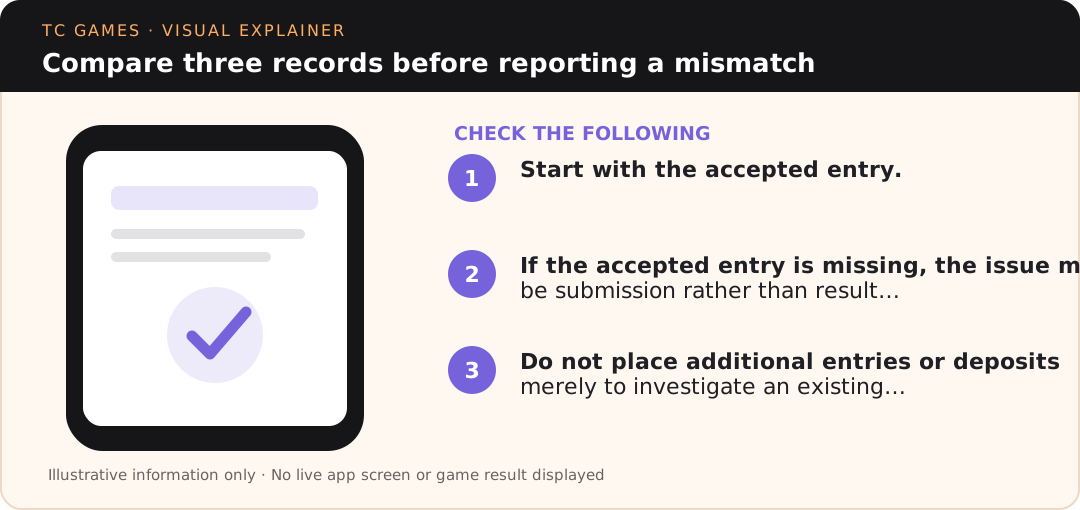
Compare three records before reporting a mismatch
Start with the accepted entry. Next check the completed result for the identical game and period. Finally inspect the corresponding account or wallet record. All three may be visible in different parts of an app and at different times.
If the accepted entry is missing, the issue may be submission rather than result accuracy. If the result is missing, the issue may be display or server history. If both match but the wallet remains unchanged, the issue concerns settlement or account records. Each category requires different evidence.
Do not place additional entries or deposits merely to investigate an existing dispute. Note what is already visible, capture the minimum evidence required and use only support channels you can independently verify.
Read the video text
Start with the exact period, not a screenshot headline. The period is the reference that connects an accepted game entry to a displayed…
How K3 dice and totals are read. K3 records commonly describe three dice values and a combined total.
How to interpret a 5D record. The 5D format requires attention to its particular result fields and the…
Practical examples: recognise the right evidence
Worked example: period mismatch versus arithmetic mistake
Suppose an illustrative K3 entry is recorded for period 104 and you later see the values 2, 3 and 4 on period 105. Adding those dice gives 9, but the arithmetic does not resolve the dispute: they refer to different periods. First find the result for period 104. Only after the identifiers match can you use the three dice to check the total. Never copy a number from a news thumbnail without also recording the full period. This fabricated example exists to demonstrate matching and does not represent a real result.
Worked example: a result loads but the account statement does not
You confirm a completed Win Go history row for the same one-minute period as your accepted entry. The wallet figure has not refreshed. That is a different issue from a result mismatch. Save the entry and result, then separately note the wallet timestamp and any settlement reference. Do not make another deposit to force a refresh. Check whether the service identifies the account entry as pending or settled, and use a verified support path if the record remains contradictory.
Worked example: a screenshot contains only a colour or digit
A cropped image showing “green” or “5” cannot reliably establish a result without its period, game format and completion state. It may represent a selection, animation, history entry or unrelated game. Request or retrieve the full record before evaluating the claim. Keep device-clock time as supporting context rather than the primary identifier. If the source is a public social feed, treat it as an illustration until you can compare it against your own accepted entry and the completed in-platform record.
How to write an accurate support request
A useful message states the game format, full period ID, what was entered, what the completed history shows, what the account or wallet shows, and when each screen was captured. Attach only relevant screenshots with credentials, phone numbers and bank details masked. Explain the mismatch in one sentence rather than sending dozens of unrelated images. If the concern is actually a UPI transfer, include the bank reference and use the payments support route instead of describing it as a game result dispute.
Frequently asked questions
Does this page show live TC Lottery results?
No. It explains how to read period and result-history records. It does not publish live winning numbers.
Which detail should I check first?
The full period ID shown on the accepted entry and the completed result for the same game.
Can Win Go history predict the next one-minute period?
No. Completed results cannot guarantee a future game outcome.
How do I check a K3 total?
Add the three values on the completed result record and verify the correct period.
What should I save for a 5D settlement complaint?
The accepted selection, period ID, amount, completed result and related wallet status, with private details masked.
Is the bank transaction reference the same as the game period ID?
No. Game periods and bank/UPI references describe separate kinds of records.