
Who receives?
Read the payee identity displayed by the UPI app, not only the name typed in a chat.
QR codes and collect requests
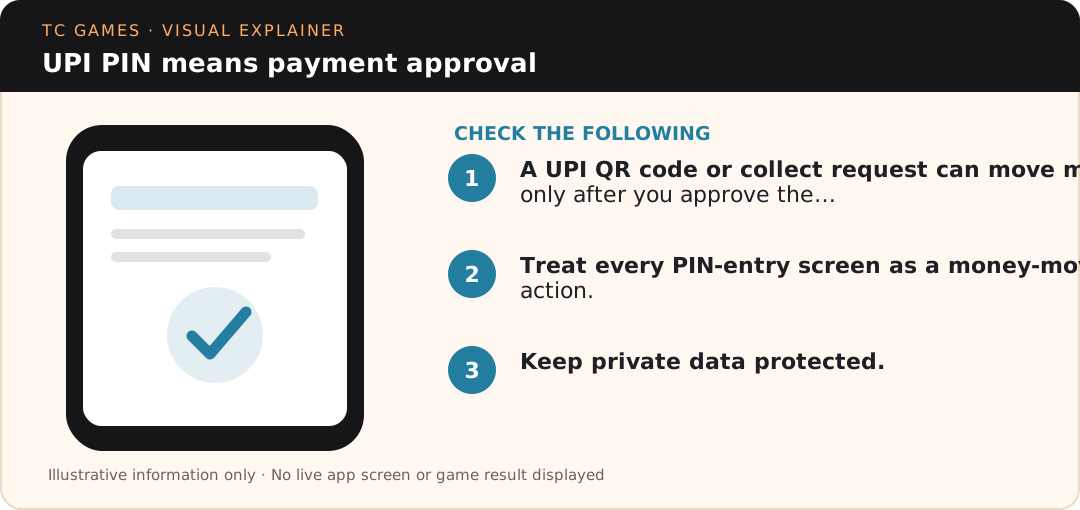
A UPI QR code or collect request can move money only after you approve the payment flow. The safest habit is to read the payer screen, payee identity and amount before entering a UPI PIN, especially when a message promises a refund, reward or account release.
Last checked:
In brief
Scanning a QR code or approving a UPI collect request can authorise a payment, not receipt of money. Before entering a UPI PIN, read the action, payee and amount shown by your payment application. Refuse unexpected requests, especially those claiming that payment is necessary to receive a refund.
UPI Safety
A chat message can call a QR image a refund, cashback, verification or release code, but the UPI app decides what action is actually being authorized. If the screen asks for your UPI PIN after scanning a code, treat it as a payment instruction and read the recipient plus amount before proceeding.
NPCI fraud-awareness material specifically warns that scanning a QR code and entering a UPI PIN is for making a payment, not receiving money. That distinction is more reliable than the wording used by an unknown caller, social account or forwarded message.
UPI Safety
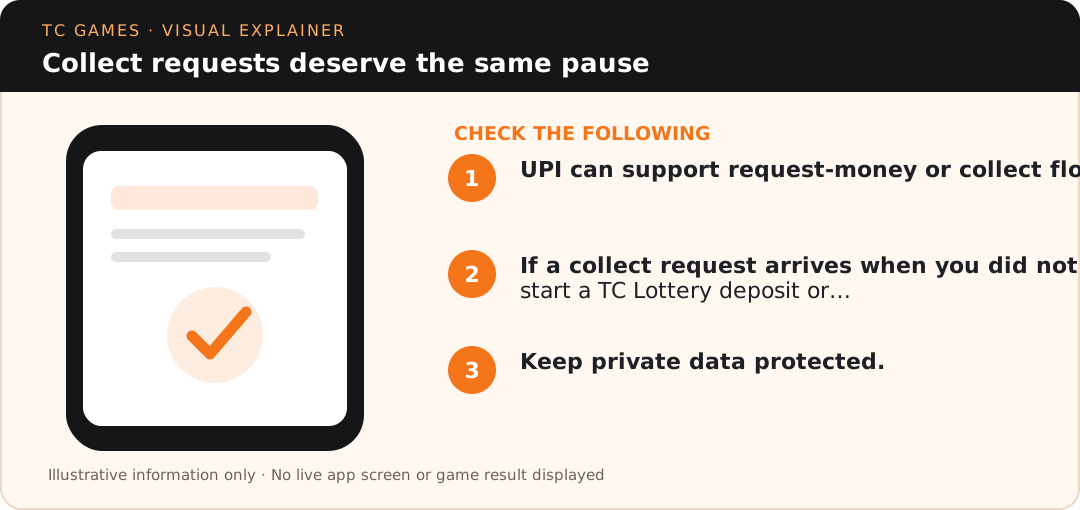
UPI can support request-money or collect flows. A requester can set a time window for approval, but the payer still decides whether to authorize the request. Do not approve a collect request simply because the name resembles a platform, payment partner or support label. Verify the amount, purpose and payee shown inside the UPI app.
If a collect request arrives when you did not start a TC Lottery deposit or other payment action, decline it rather than trying to “complete verification.” A real support conversation should not require you to approve an unexpected debit to prove ownership of your account.
Examples to compare
| What you see | Practical next check |
|---|---|
| QR scan opens a payment screen | Read recipient and amount; scanning does not prove you are receiving funds. |
| Collect request claims to confirm a refund | Decline unexpected debit authorisations and verify independently. |
| PIN screen appears for a supposed incoming transfer | Stop; entering a UPI PIN commonly authorises money leaving the account. |
UPI Safety
When making a TC Lottery deposit, begin from the live wallet flow you intended to use. Compare the amount shown there with the amount your UPI app is about to authorize. If the values do not match, stop and reopen the intended payment route instead of editing the amount based on a private message.
Changing minimums, maximums or temporary payment channels should be read from the live service at the time of payment. This site does not invent fixed limits because stale numbers can create failed or misdirected transactions.
UPI Safety
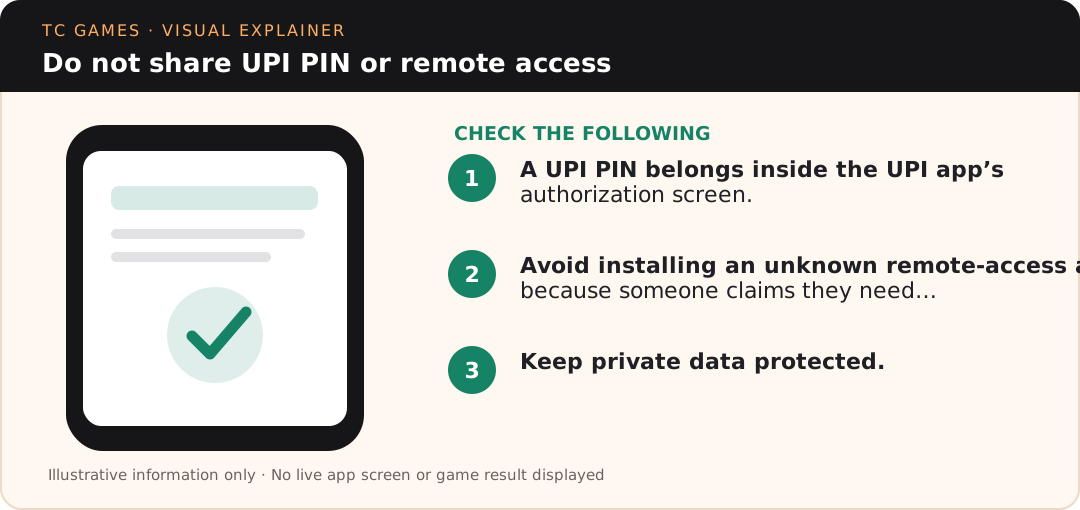
A UPI PIN belongs inside the UPI app’s authorization screen. Do not type it into a web form, chat box, remote-support tool or screen-sharing session. Bank support and NPCI do not need your PIN to identify a transaction.
Avoid installing an unknown remote-access app because someone claims they need to check a TC Lottery deposit. Screen control can expose OTPs, notifications and payment prompts. If troubleshooting requires a screenshot, crop or mask account numbers, mobile numbers and transaction details that are not necessary to explain the issue.
UPI Safety
Do not send another payment to “reverse” the first one. Preserve the UPI transaction reference, time, amount and payee details from your banking or UPI app. If the transaction is unauthorized or fraudulent, NPCI directs customers to raise the matter with their respective bank for redressal.
For a normal TC Lottery deposit that you intentionally authorized but the wallet is still pending, use the UPI deducted but wallet pending checks. That is a reconciliation problem, not the same as an unauthorized payment.
UPI Safety
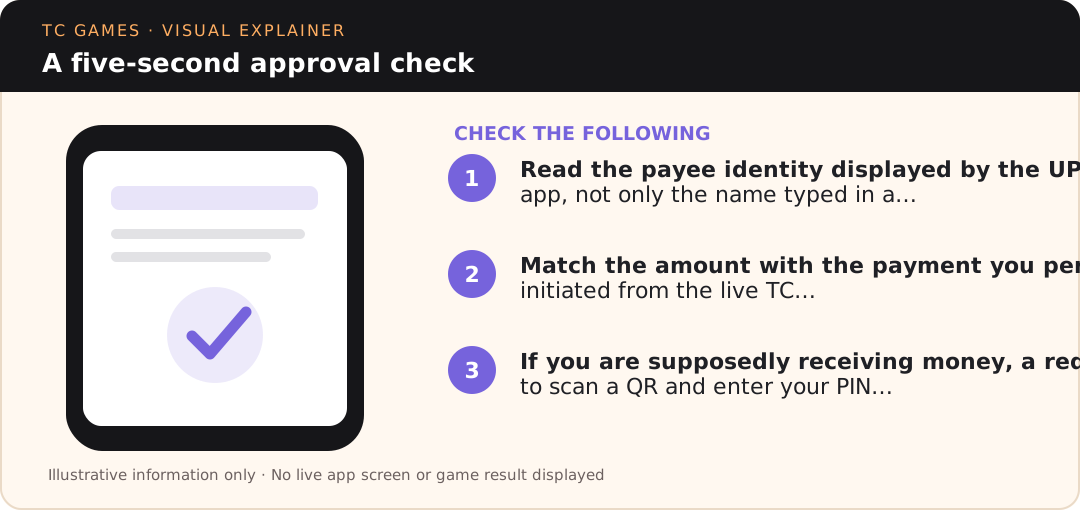
Read the payee identity displayed by the UPI app, not only the name typed in a chat.
Match the amount with the payment you personally initiated from the live TC Lottery wallet.
If you are supposedly receiving money, a request to scan a QR and enter your PIN is a warning sign.
Before payment
The safest payment sequence begins from the transaction you personally intended to make. Open the TC Lottery wallet, choose the relevant deposit action, confirm the amount there, and only then move to the UPI app. When the flow starts from a forwarded QR image or an unsolicited collect request, you lose the context that tells you why the payment exists.
If the UPI app shows a different payee label than expected, do not guess that it is “probably a payment partner.” Stop and compare the live wallet instructions again. Payment processors can change, but an unexplained mismatch should be verified before approval. The UPI PIN should be entered only after the payer is satisfied with the recipient, amount and purpose shown by the app.
For repeat deposits, do not save old QR images in the gallery and reuse them automatically. A previously valid code can become stale if the platform changes its payment route. Starting from the current wallet flow reduces the chance of sending money through an outdated destination while believing it is still current.
Reference checks
The TC Lottery payment information overview connects this safety topic with the main deposit, withdrawal and account routes while this article stays focused on QR and collect-request decisions.
General UPI rules do not establish who owns a particular QR image; verify the recipient and transaction direction in your own payment app.
UPI PIN means payment approval. A UPI QR code or collect request can move money only after you approve the…
Collect requests deserve the same pause. UPI can support request-money or collect flows.
Do not share UPI PIN or remote access. A UPI PIN belongs inside the UPI app’s authorization screen.
Imagine someone promises to refund a transfer and sends you a QR code. You scan it and a payment confirmation screen asks for a UPI PIN. The crucial information is what the banking application says the action will do, not what the sender promised. If it shows an outgoing payment or collect-request authorisation, entering a PIN can move money away from your account. Cancel the request and verify the refund route with the bank or payment service independently. Save the suspicious message and recipient details if you need to submit a fraud report.
A displayed QR image does not by itself prove who receives the money. Check the actual payee shown by the UPI app, the amount and the direction of payment before authorising it. A collect request arriving after someone promises a refund still requires scrutiny: authorising it can send money out. You generally do not need to enter a UPI PIN merely to receive money; verify exceptional instructions directly with your bank.
Specific questions
Read recipient and amount; scanning does not prove you are receiving funds.
Decline unexpected debit authorisations and verify independently.
Stop; entering a UPI PIN commonly authorises money leaving the account.
No. A QR code can open a payment request. Read the actual action on the UPI screen.
Unexpected requests should be declined or allowed to expire; do not enter a PIN to dismiss them.